
AbiBin Product · 03
TicketDesk Pro
Tickets, workforce and finance for teams who maintain real places.
TicketDesk Pro handles the work that keeps a hospital, a mall or a tech park running: a fault is reported, someone is assigned, an SLA clock starts, materials are used, hours are logged and the job is closed. Ticketing, workforce scheduling and cost tracking sit in one multi-tenant system rather than three.
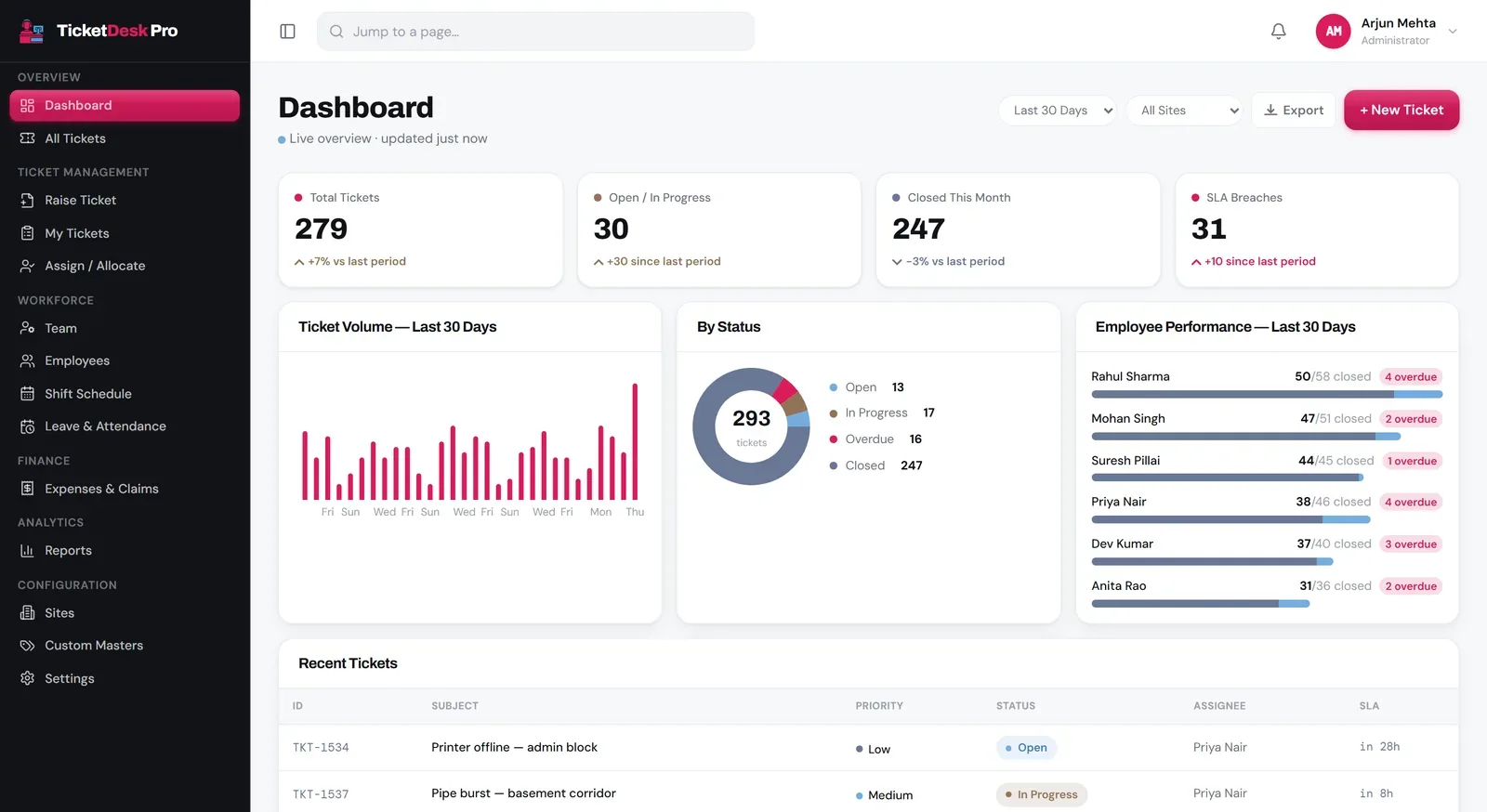
Ticket volume, SLA breaches and status — scoped to the sites you run.
What it does
Built around the work you actually do.
Tickets with a real SLA clock
Priority sets the clock — critical one hour, high two, medium six, low twenty-four — and breaches are counted, not just coloured red.
Built for facilities work
Categories arrive seeded for Electrical, Plumbing, HVAC, Civil, IT and Network, and Carpentry, and are editable per organisation.
Shift and leave management
Morning, evening, night, overtime, off and leave, each colour-coded on the roster, with annual, sick and casual leave running through approval.
Expenses and materials
Material, transport, tools and miscellaneous expenses submitted against jobs and approved in the same system that raised the ticket.
CSAT after closure
A one-to-five rating captured against closed tickets, so quality is measured rather than assumed.
Multi-site and multi-currency
Several sites under one organisation, money stored as integer minor units against a currency code — INR, USD or AED — so rounding never drifts.
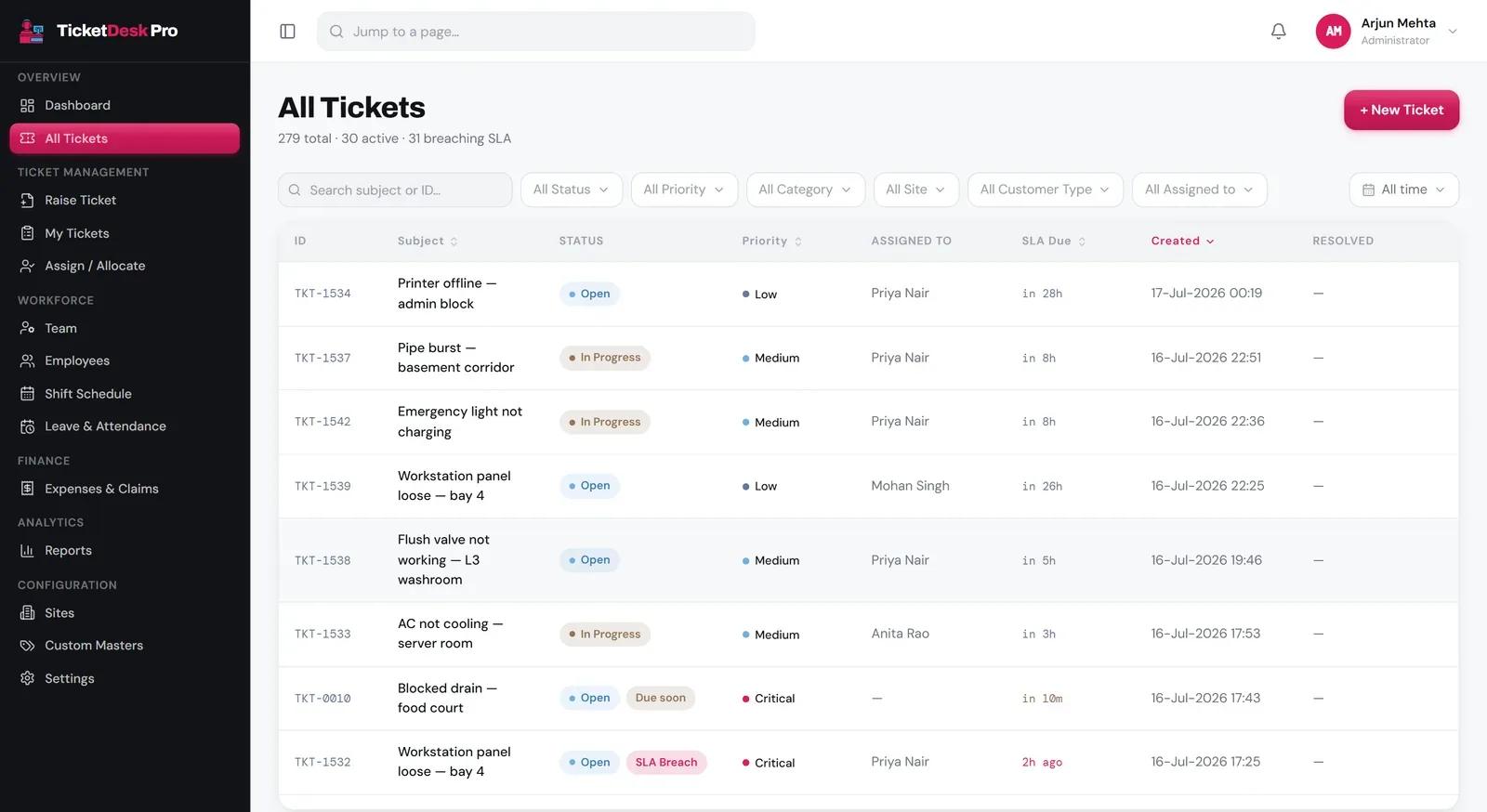
Tickets with a real SLA clock
Priority sets the clock — critical one hour, high two, medium six, low twenty-four — and breaches are counted, not just coloured red.
Every ticket carries a priority, an owner and a clock.
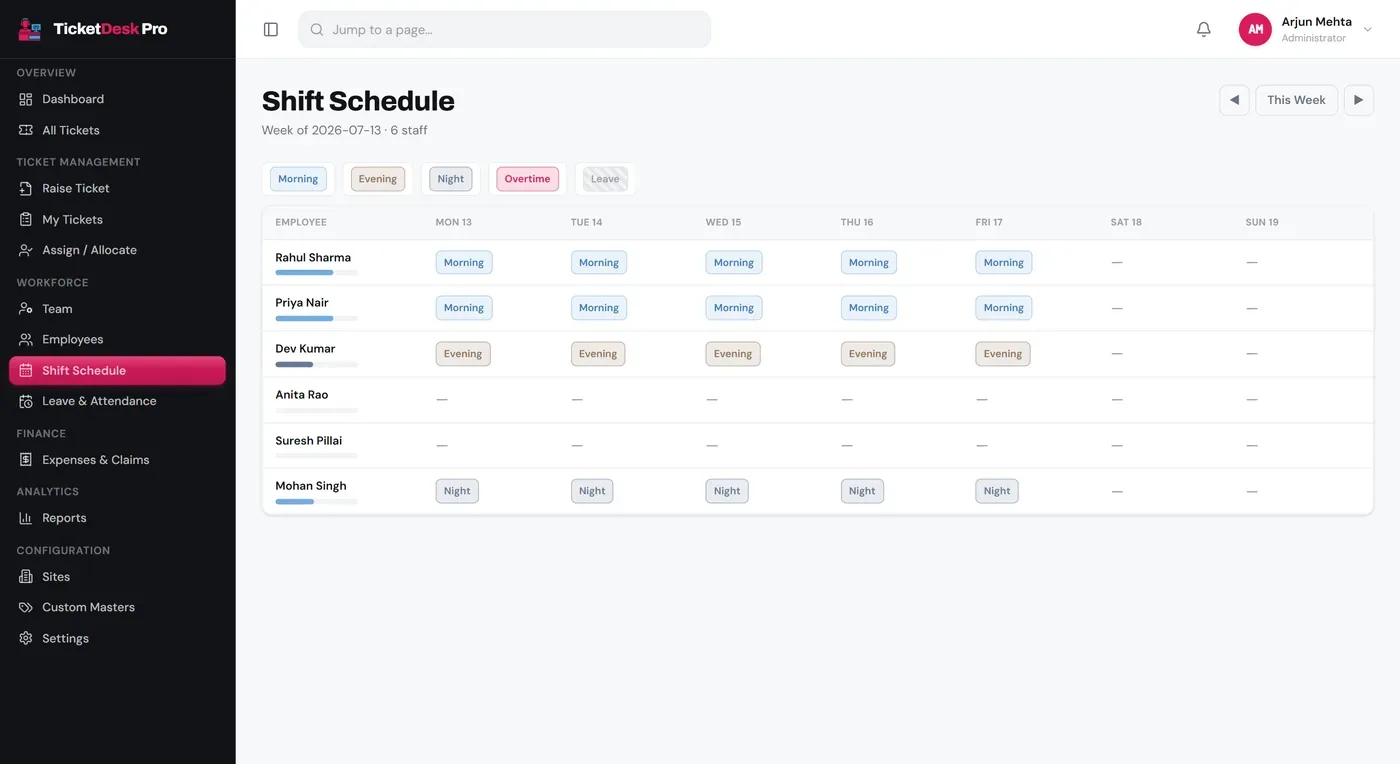
Built for facilities work
Categories arrive seeded for Electrical, Plumbing, HVAC, Civil, IT and Network, and Carpentry, and are editable per organisation.
Shifts, overtime and leave on one roster.
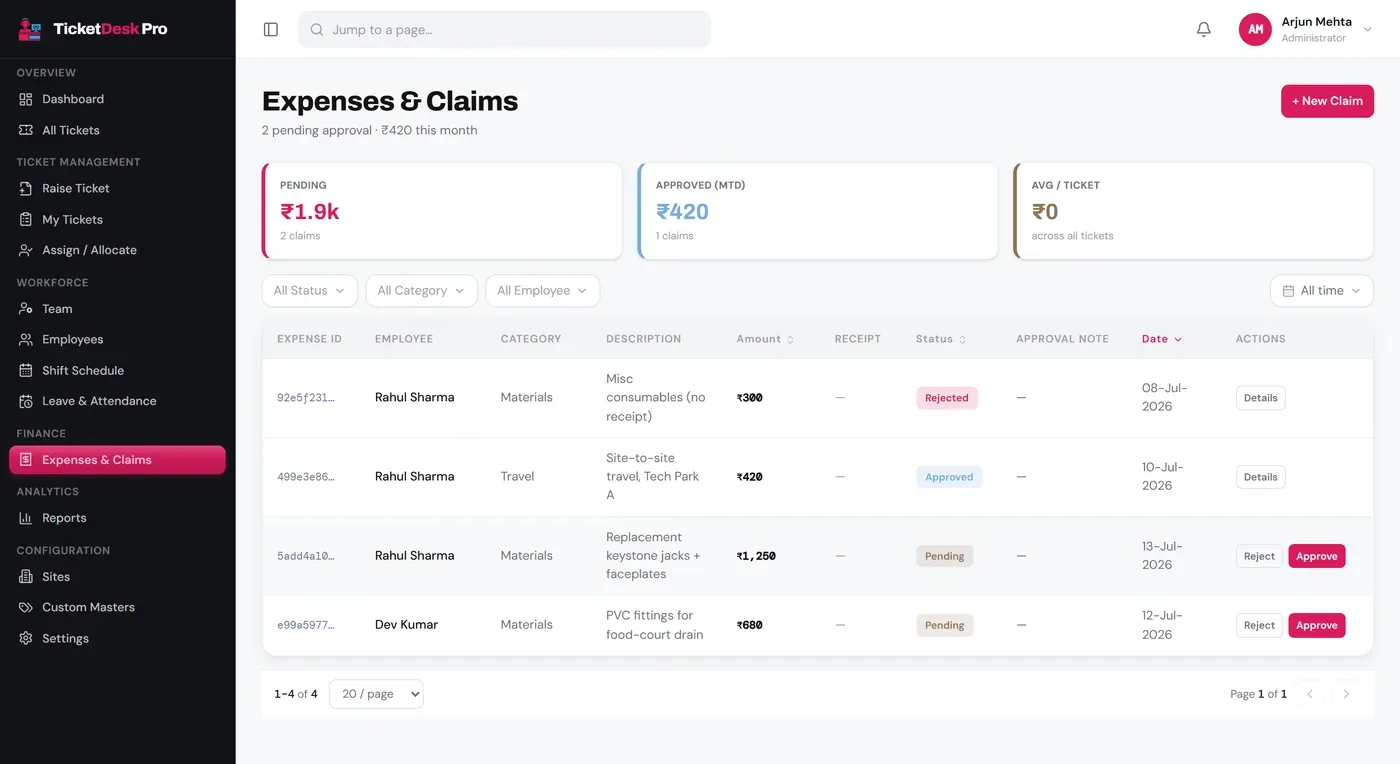
Shift and leave management
Morning, evening, night, overtime, off and leave, each colour-coded on the roster, with annual, sick and casual leave running through approval.
Costs approved in the same system that raised the job.
On your phone
TicketDesk Pro goes where you go.
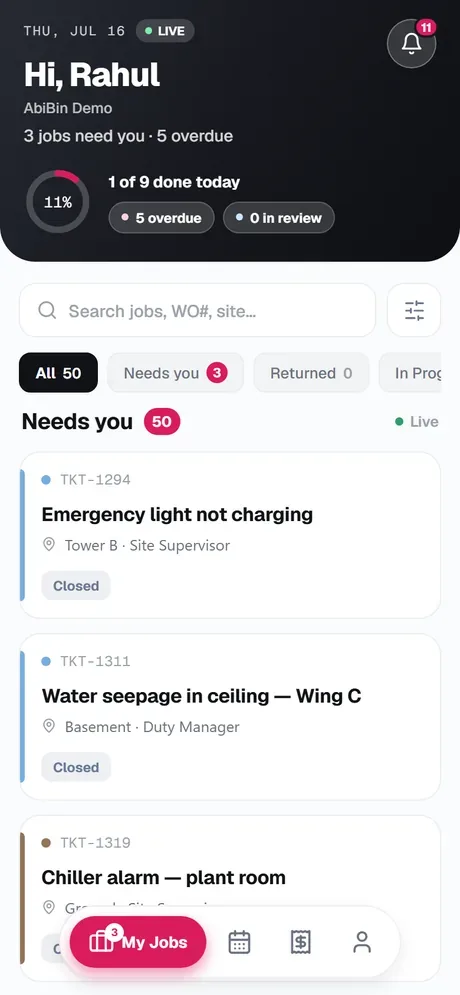
Worker
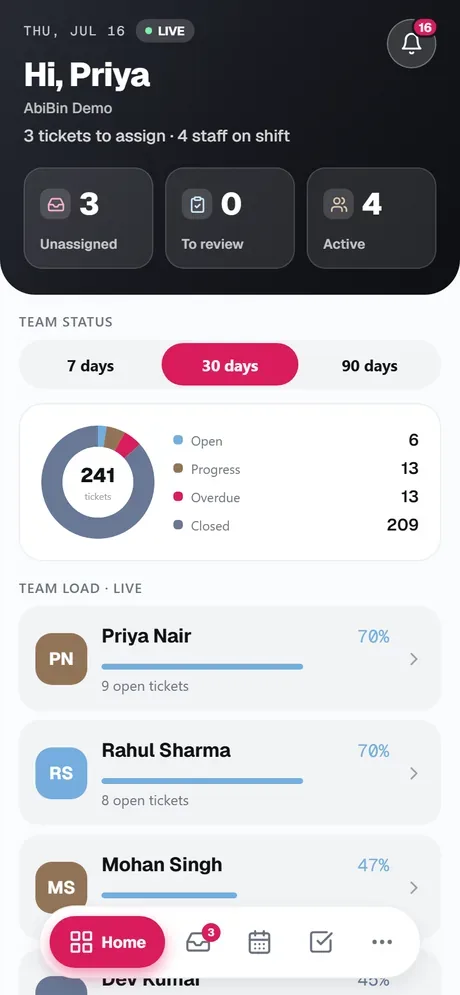
Manager
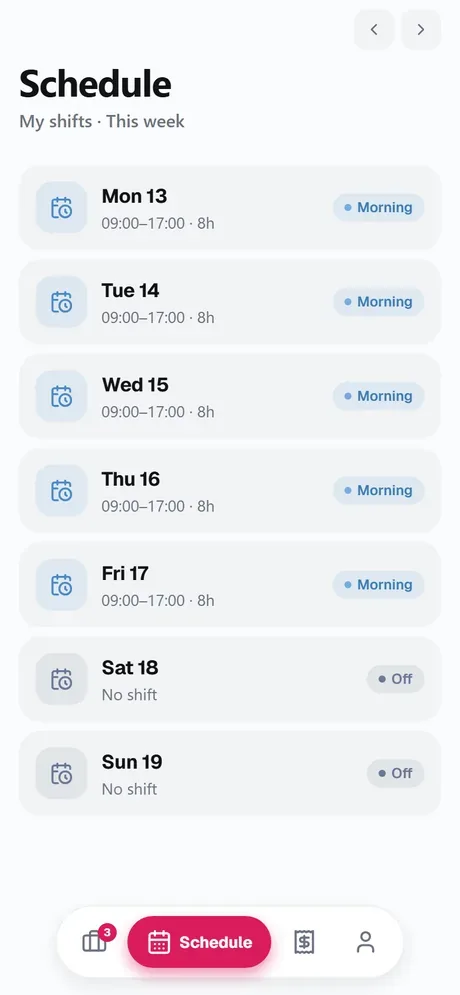
Schedule
Who it's for
Made for the people who run it.
Facilities and maintenance teams
Hospitals, malls, tech parks and campuses where a fault has a location, a trade and a deadline.
Service contractors
Teams working across several client sites who need tickets, hours and costs separated cleanly by site.
Operations managers
One dashboard covering ticket volume, SLA breaches, shift coverage and spend.
Free Download
The TicketDesk Pro brochure.
Enter your details and the PDF downloads immediately.
Questions
About TicketDesk Pro.
Each priority carries a response window — critical one hour, high two hours, medium six hours, low twenty-four hours. The clock starts when the ticket is raised, and breaches are recorded against the ticket and surfaced on the dashboard.
Yes. It is multi-tenant, with sites configured per organisation and data scoped by role, so a customer sees only their own tickets and an employee sees only what they are assigned.
It tracks costs — expenses by category, with approval — in INR, USD or AED. Amounts are stored as integer minor units against a currency code rather than as floating-point numbers, so totals do not drift.
Admin, manager, employee, customer and viewer. Every view is scoped by role rather than relying on hidden buttons.

Ready to start?
Let's build something
that lasts.
Whether you're modernising infrastructure, training your team, or re-thinking your analytics strategy — we'll show you how.
43+
Clients
99%
On-time delivery
ISO
9001
Certified